
Sharper product photos. Every original kept.
Mint AI Image Enhancer upscales low-resolution product images with an AI model that runs in your browser, removes backgrounds, puts products on white or square canvases, and keeps an exact copy of every original, so you can put any image back with one click.
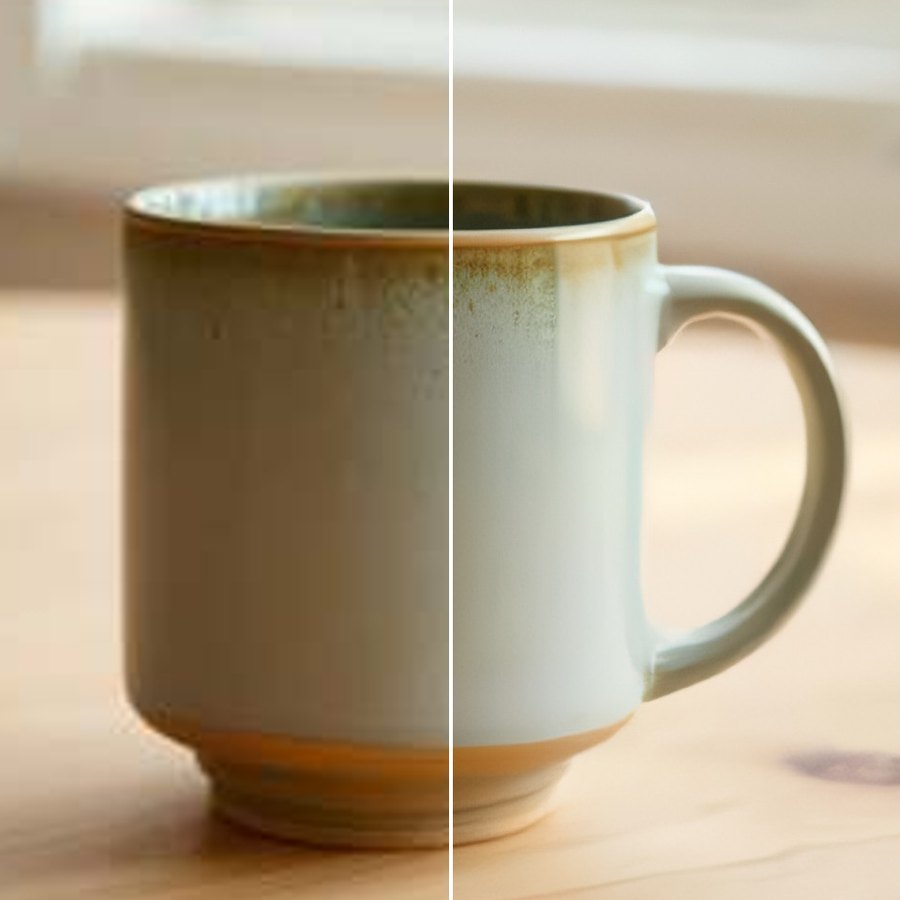
Better product images, nothing lost
Everything runs from the Shopify admin. No theme code, nothing added to your storefront.
Low-resolution photos from suppliers or old listings are enlarged with the open-source waifu2x model, which rebuilds edges and texture instead of just stretching pixels. Photo and illustration versions.
Remove noise, blur and the blocky marks of heavy JPEG compression while the image keeps its size.
Cut the product out and put it on white, on a colour of your choice, or keep it transparent (PNG and WebP). Optionally centre it on a square canvas with an even margin.
See the original and the result side by side with their sizes. Nothing changes in your store until you click Apply.
Before a file is replaced, the app keeps an exact copy. Restore one image, a selection or everything, byte for byte, and download any original.
The result replaces the file of the same product image: same product, position, variants and alt text, same file format. No theme code, nothing added to your storefront.
Three steps
Start with your low-resolution images, check the previews, then apply.
The app lists every product image with its dimensions and marks the low-resolution ones. A scan changes nothing.
Pick images, choose upscale, background and canvas, and compare each result with its original.
The result replaces the product image file; the original is kept for an exact restore at any time.
Flat monthly plans
Billed through Shopify. Previews, restoring and downloading originals are never charged. Cancel anytime.
- 10 enhanced product images per month
- Results up to 2,048 px on the longest side
- AI upscaling and clean-up in your browser, background removal (one image at a time) to white, a colour or transparent PNG or WebP, square canvas, sharpening
- Exact restore of every original, any time
- Download any original
- 500 enhanced product images per month
- Results up to 4,096 px on the longest side
- Everything in Free
- 2,000 enhanced product images per month
- Batch background removal: preview a whole selection at once
- Everything in Pro
Questions merchants ask
Where does the AI run?
Upscaling and clean-up run in your own browser on your computer's graphics card (WebGPU, in current Chrome and Edge). The model, about 21 MB, downloads once and stays in the browser. Without WebGPU the app can still run the model on the processor for small images, which is much slower. Background removal runs on our image service.
Can it fix any photo?
It rebuilds edges, texture and fine detail from the pixels that are there, and removes noise and compression blocks. It can't recover text or details that aren't in the photo, and very small images stay soft. That's why every result is shown next to the original before you apply it.
Can I undo it?
Yes. The exact original file is kept from the first change. Restore puts it back for one image, a selection, or everything at once, and you can download any original. Restoring is never limited. Enhancing an image again always starts from the kept original, so upscales never stack.
Which images can it enhance?
Product images in JPEG, PNG and WebP up to 20 MB. Results keep their format (Shopify requires it), so JPEGs get a white rather than transparent background. GIFs, animated images, SVG, AVIF and HEIC files are left as they are.
What counts towards the monthly allowance?
An image counts when its result is applied to a product. Previews don't count; background removal previews have their own monthly limit of three times the allowance. Scanning, restoring and downloading originals are never limited.
What does the app store, and where?
Your product image list (titles, file names, sizes, dimensions) in its database, and exact copies of the originals it replaced in Cloudflare R2 storage, private to your store. No customer data, and images are never used to train models. Everything is deleted 48 hours after you uninstall, when Shopify asks apps to erase a store's data.
Give your low-resolution product photos a second life, safely.
Free for 10 images a month. Built by Mint Labs.
Coming soon to the Shopify App Store